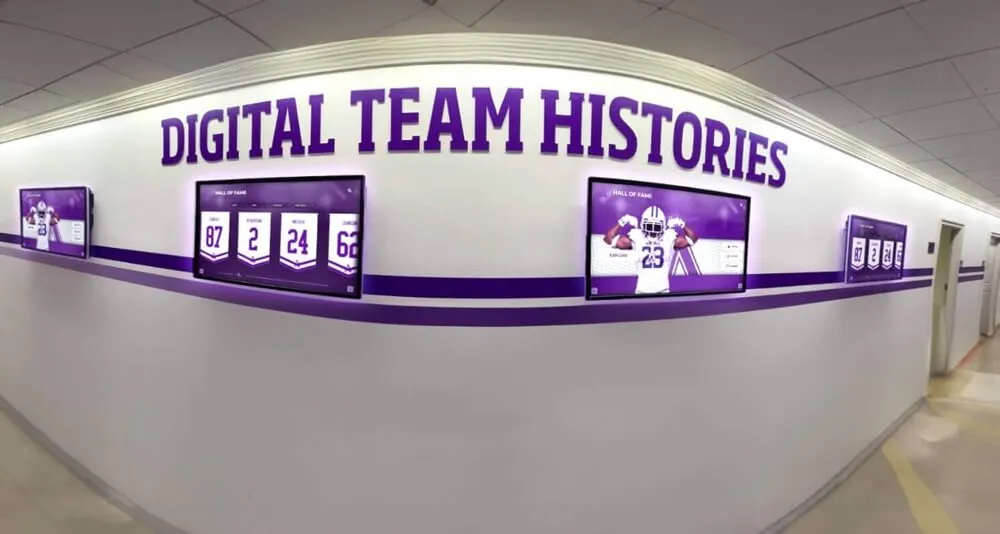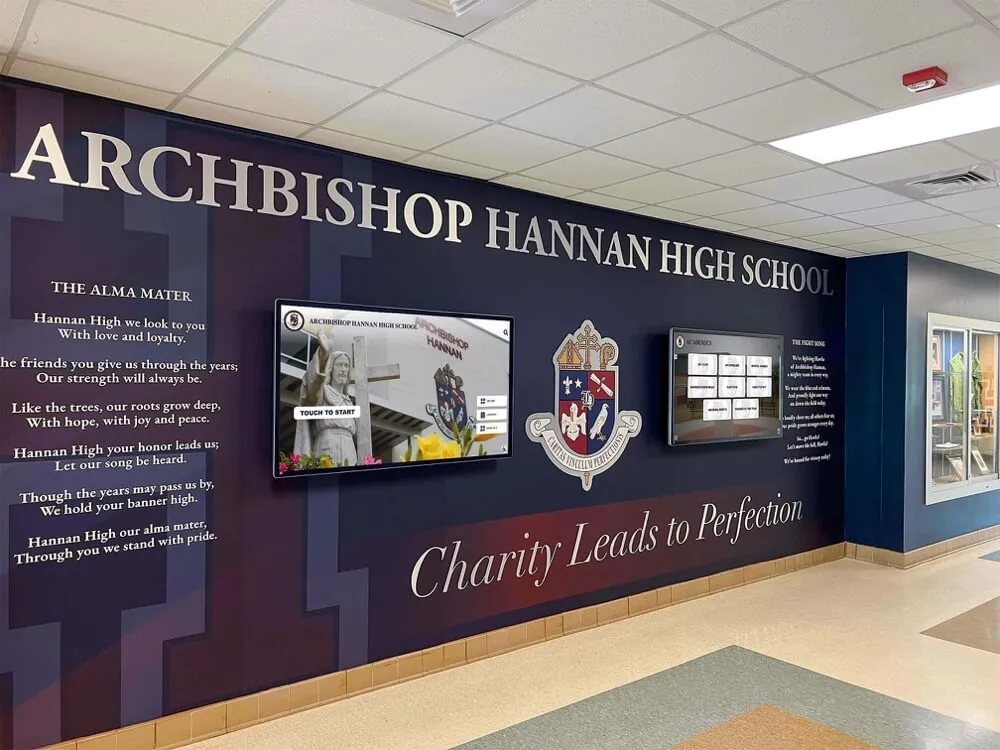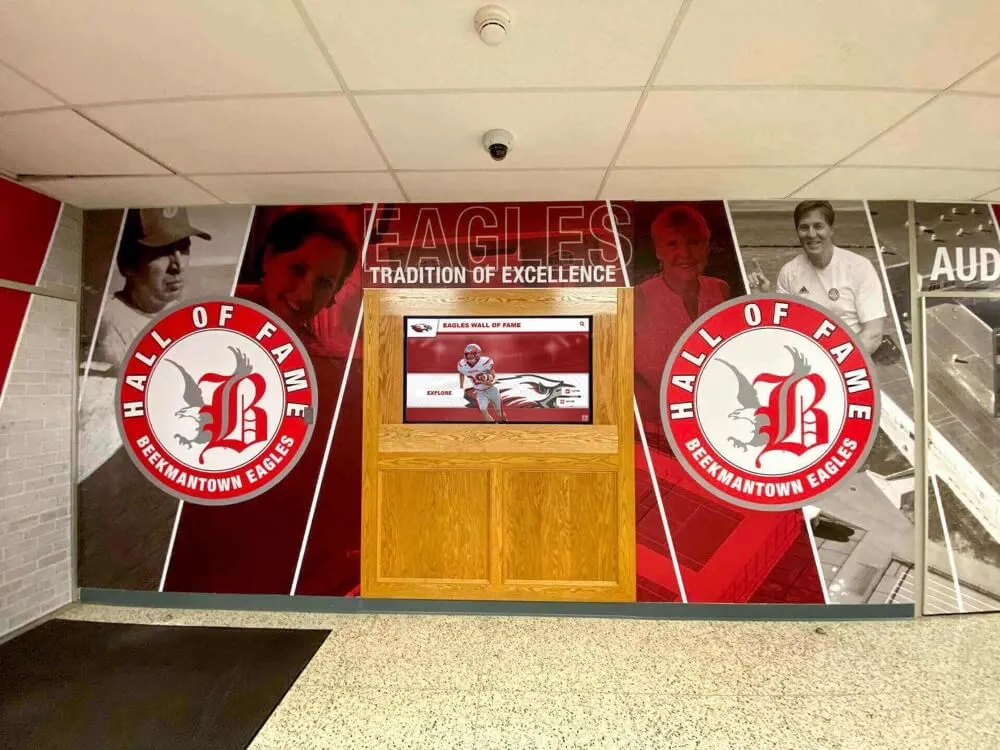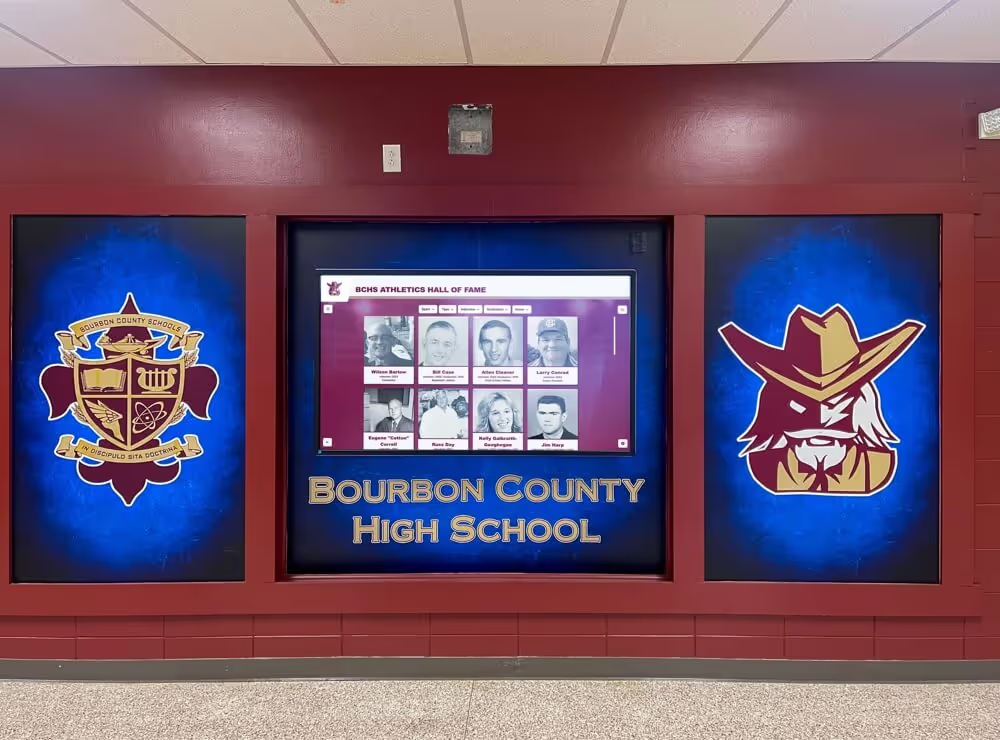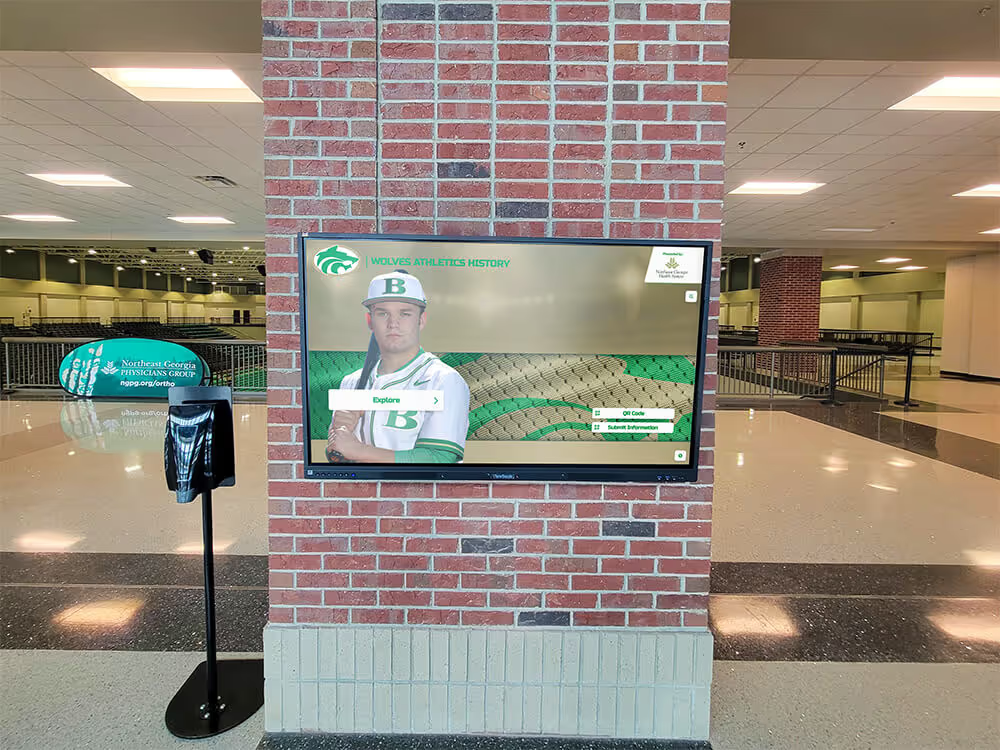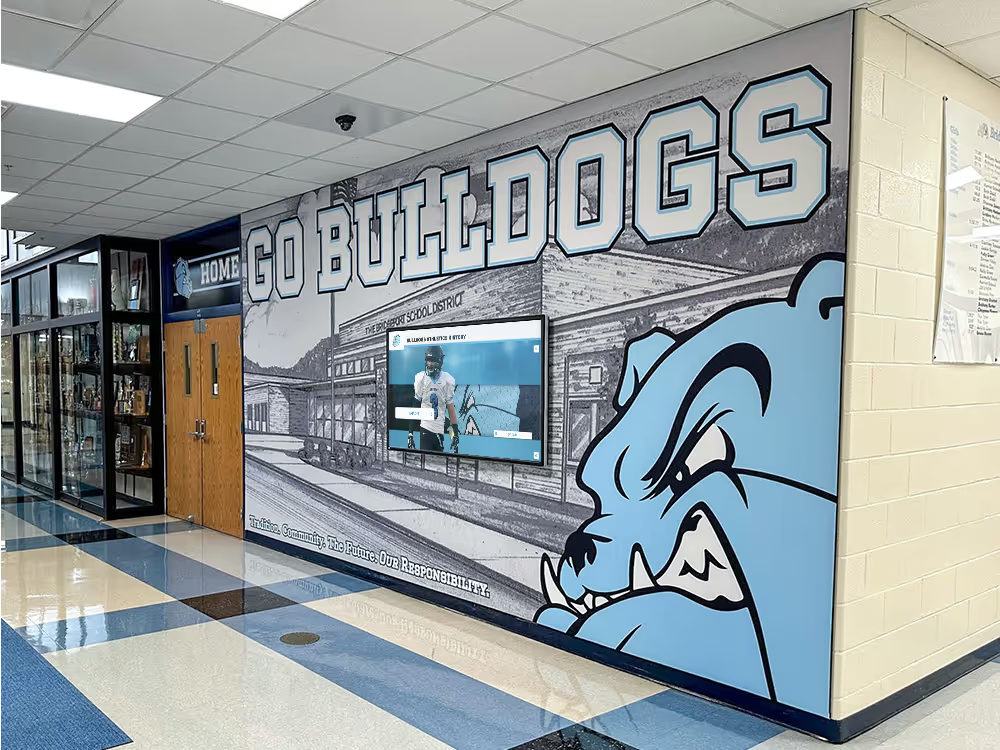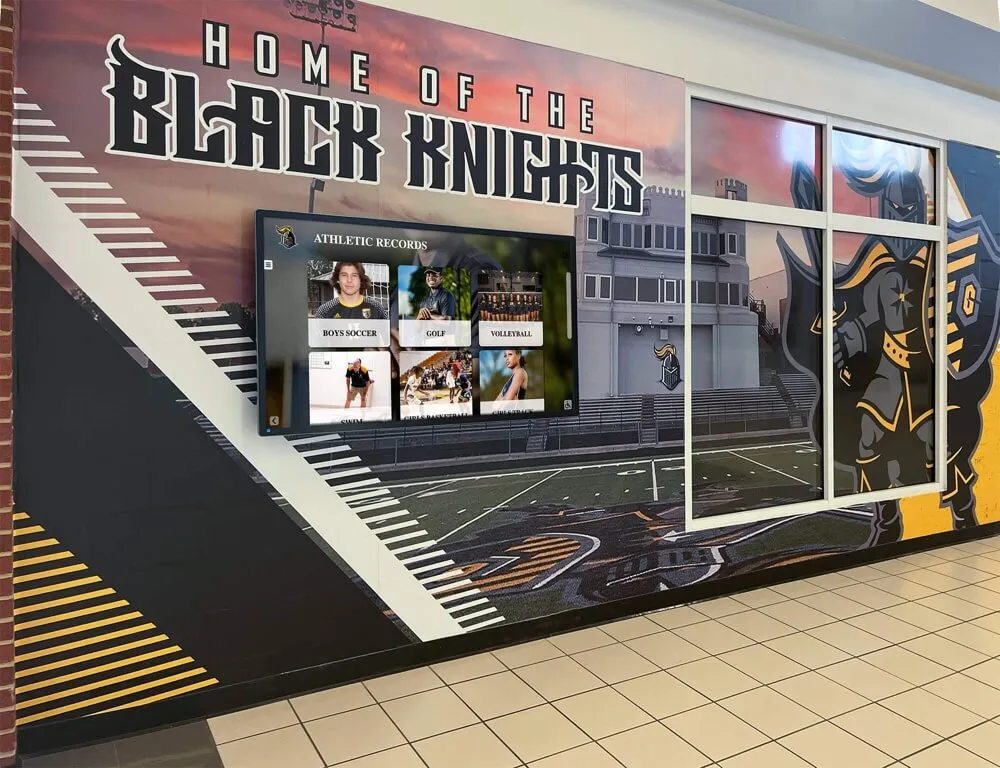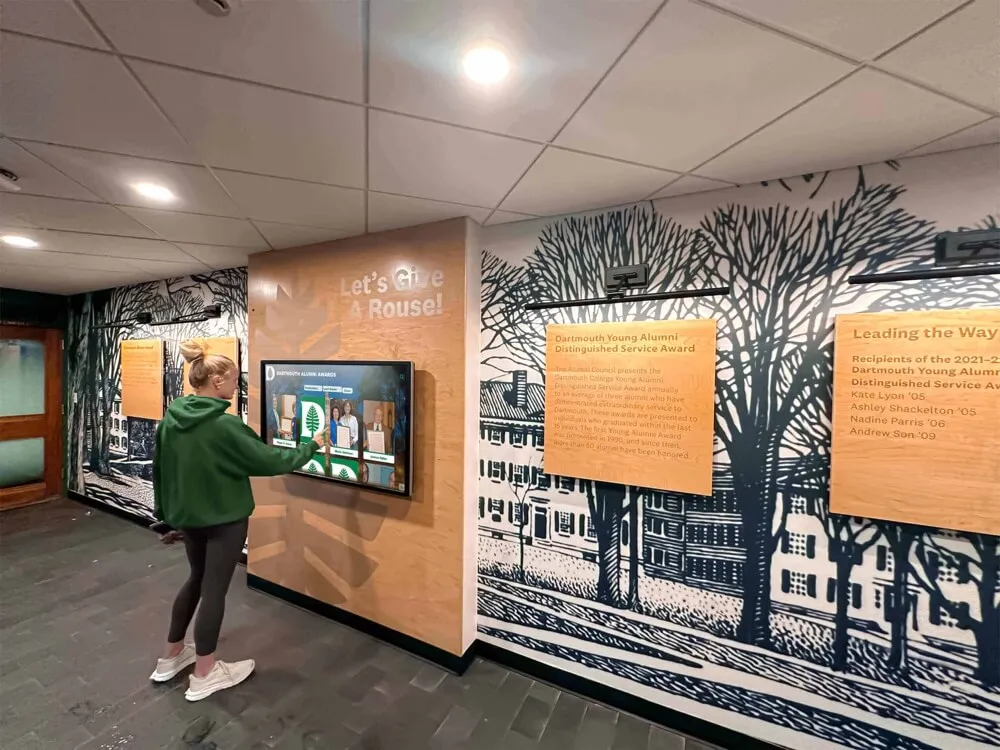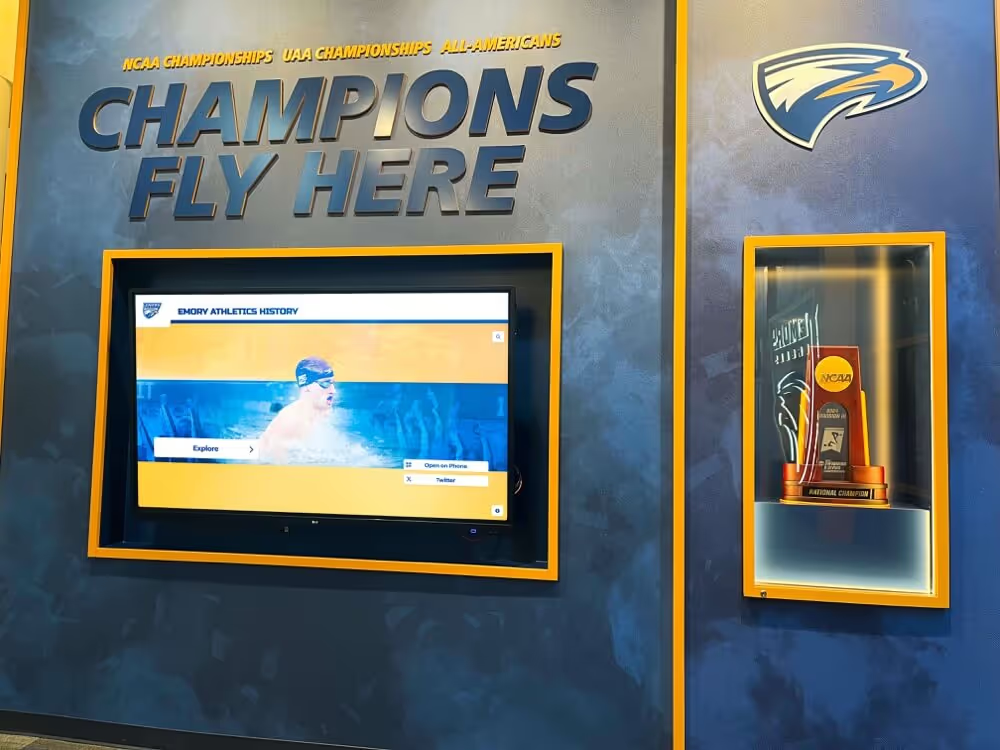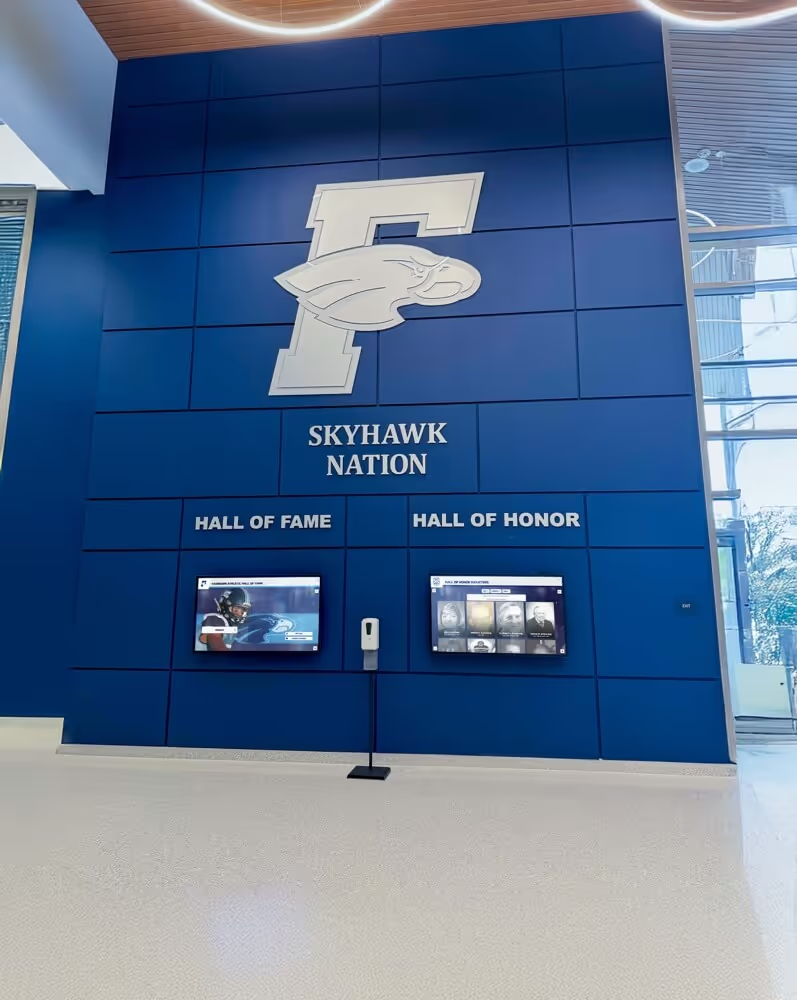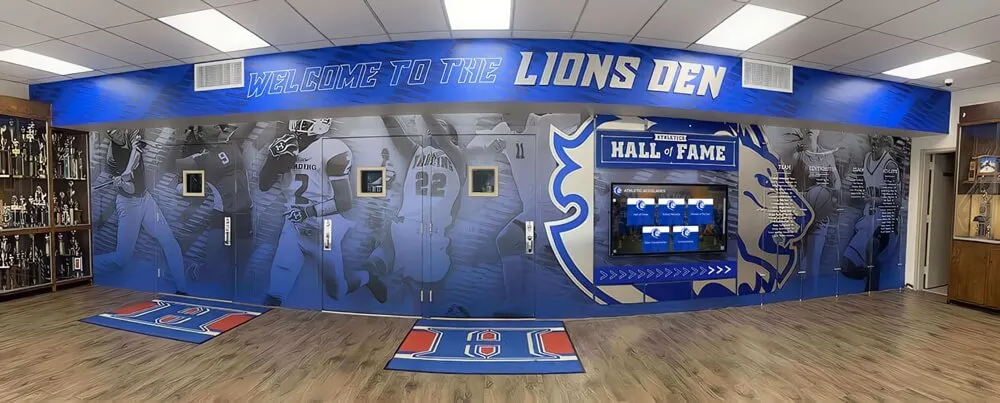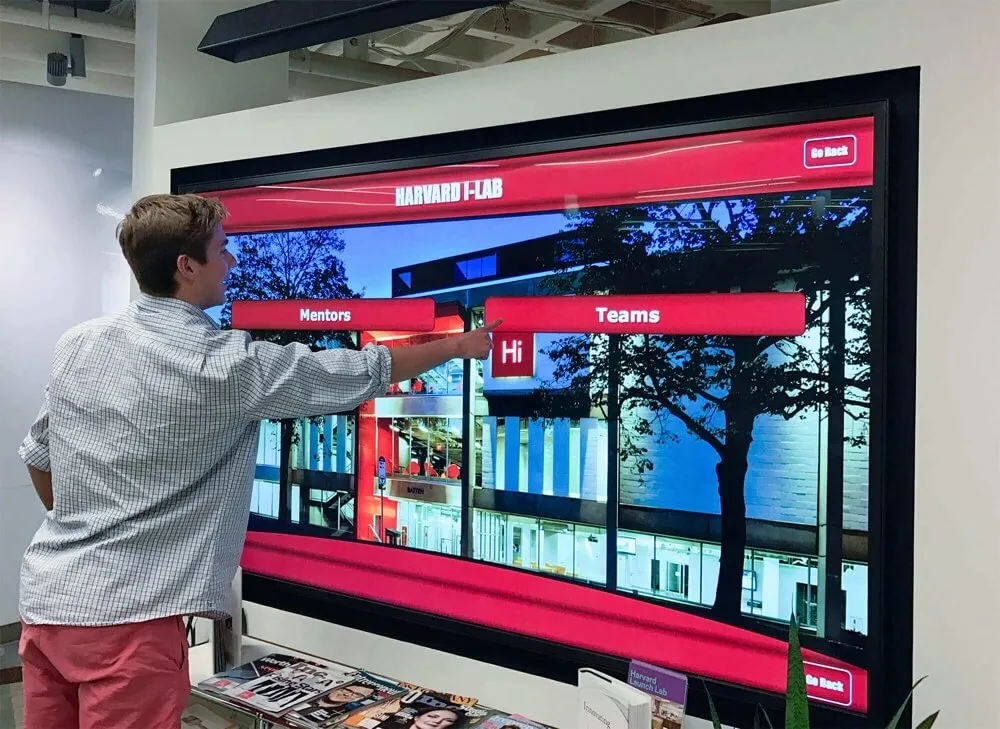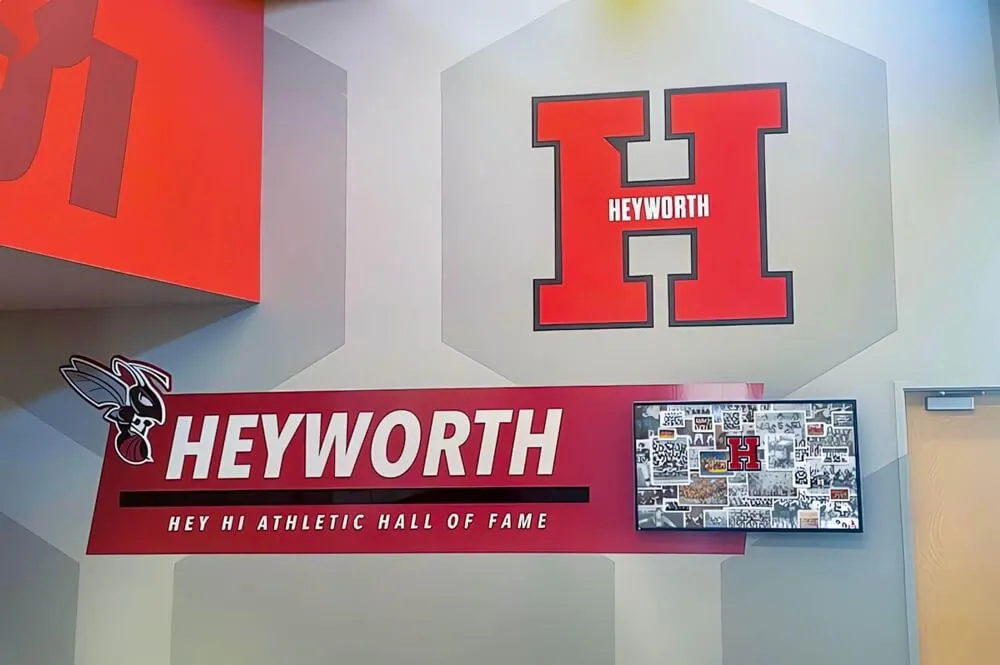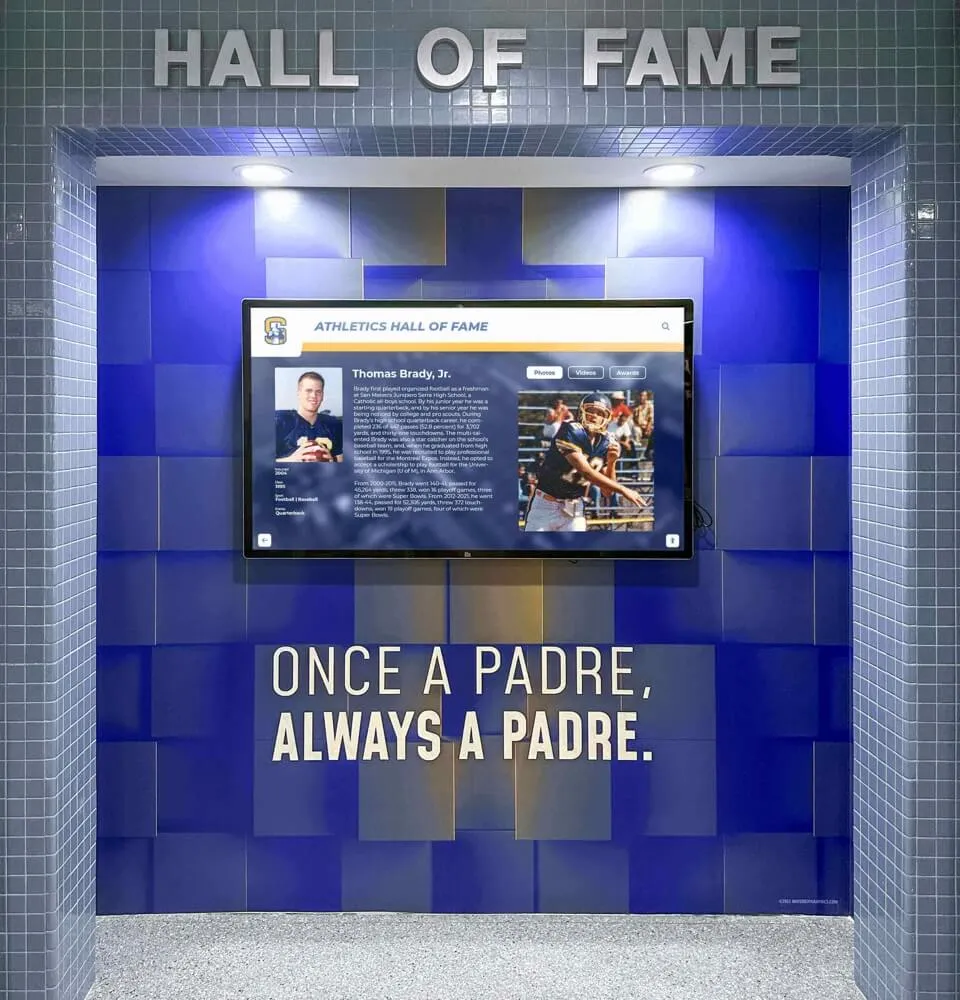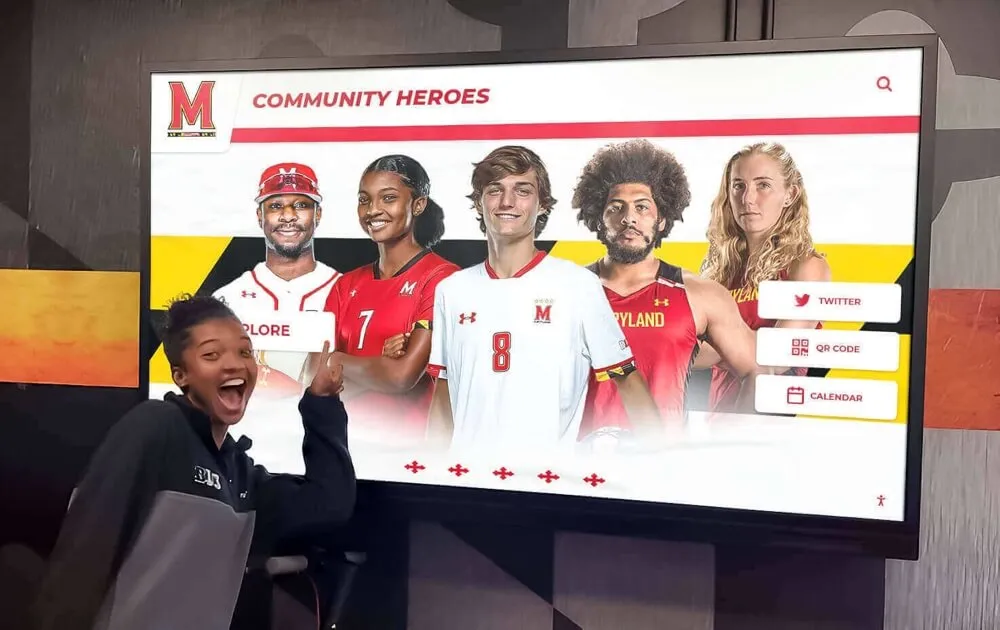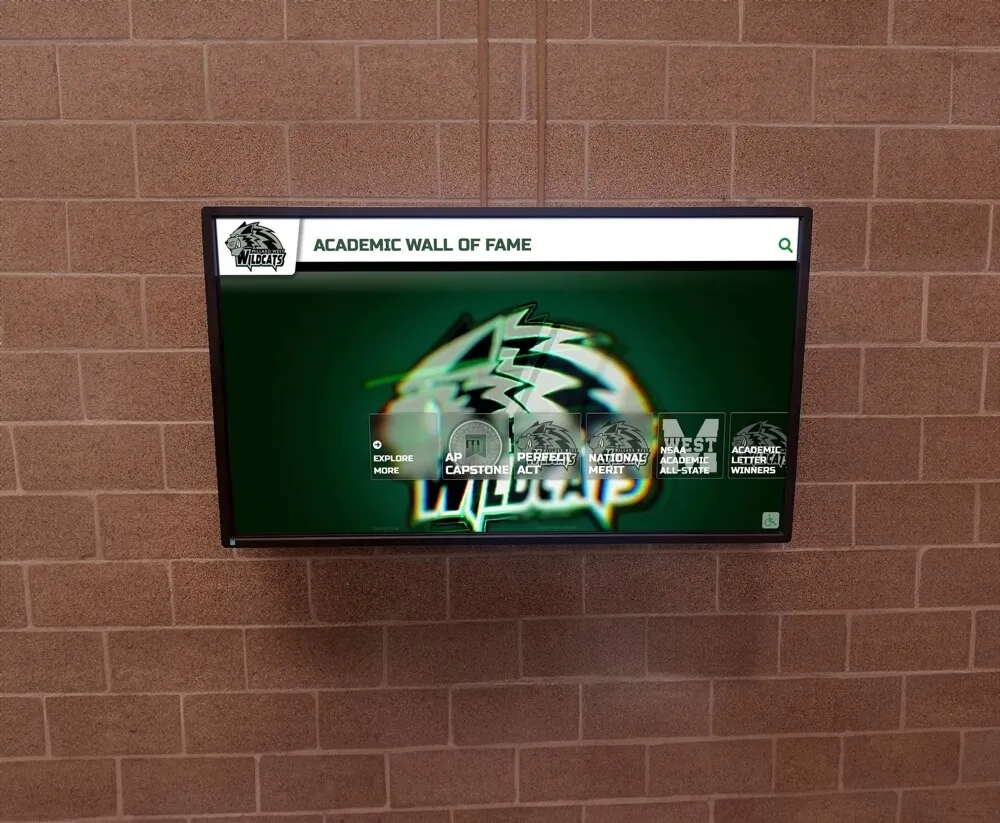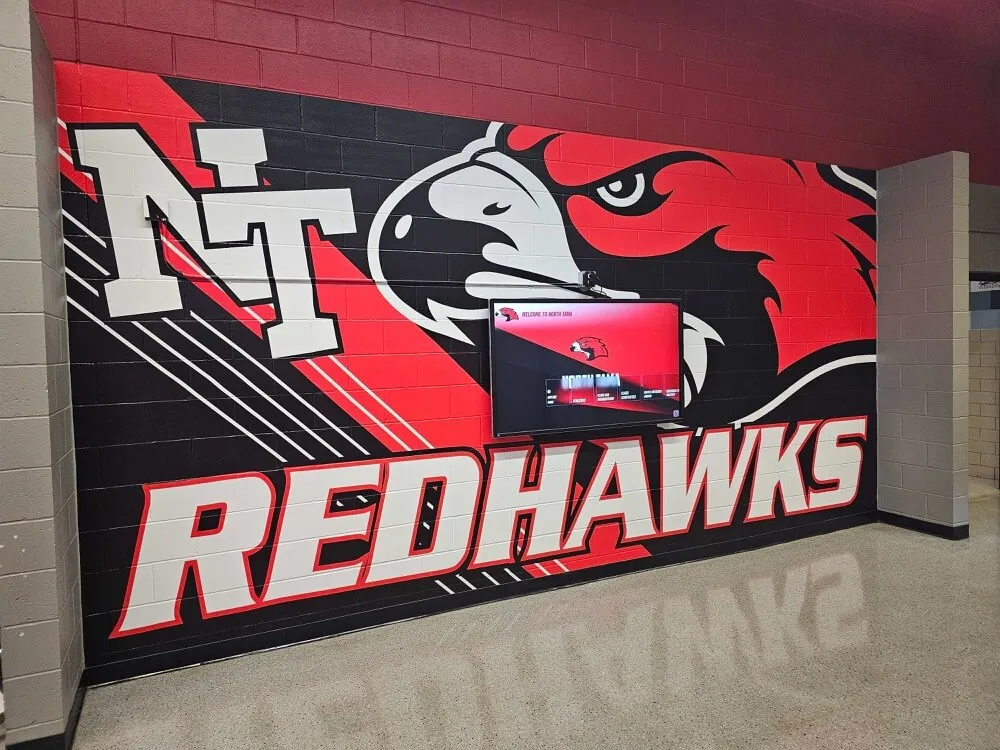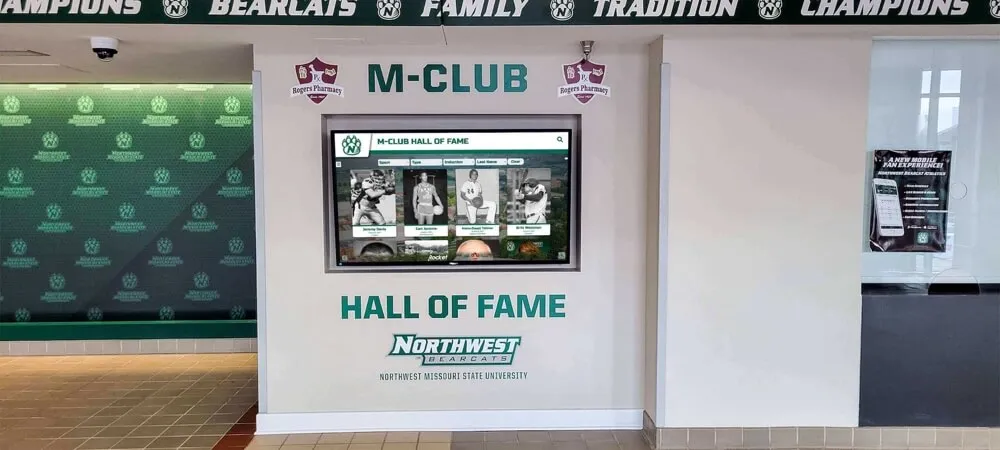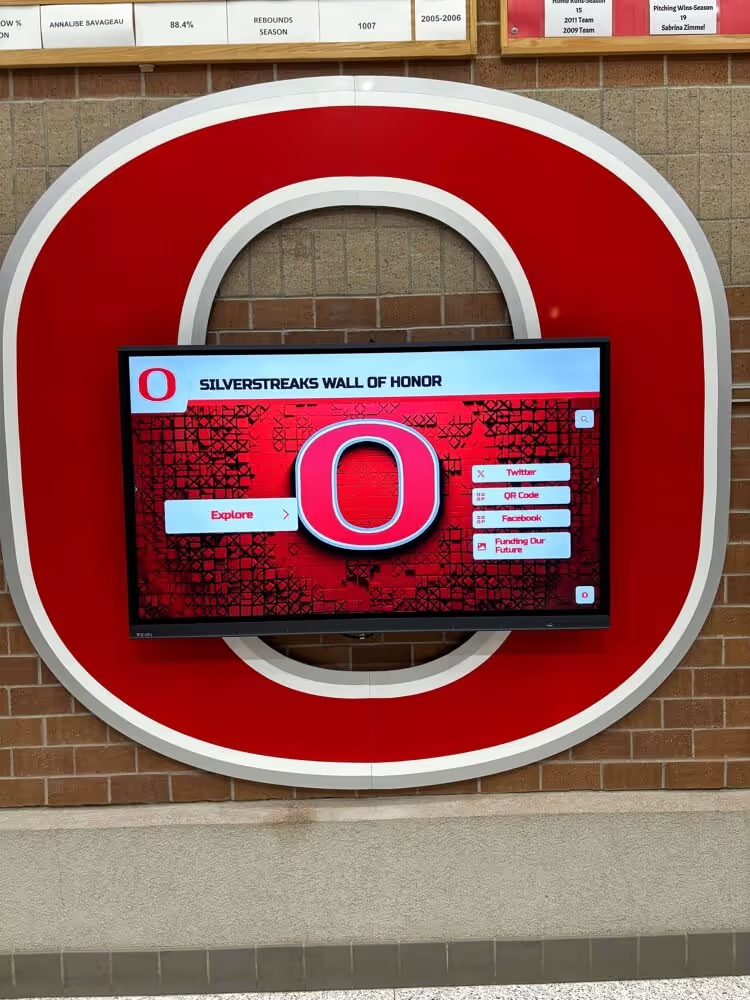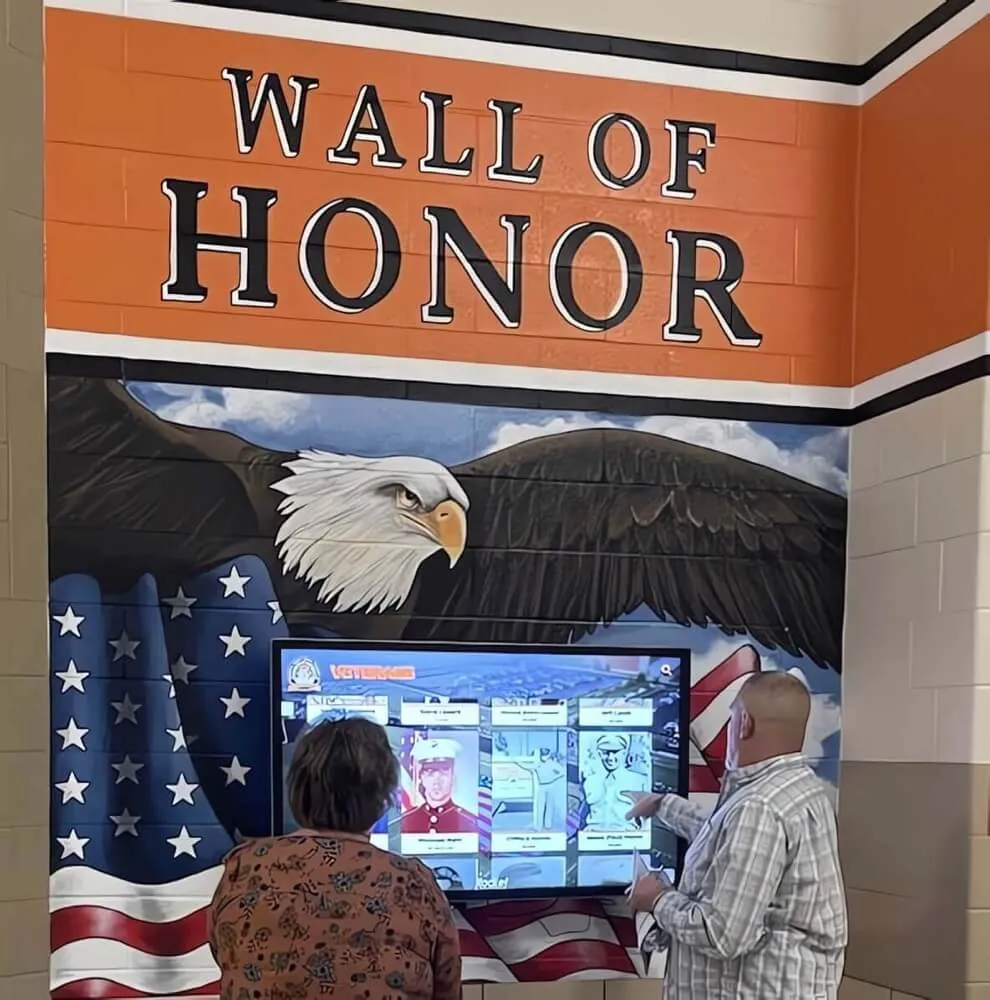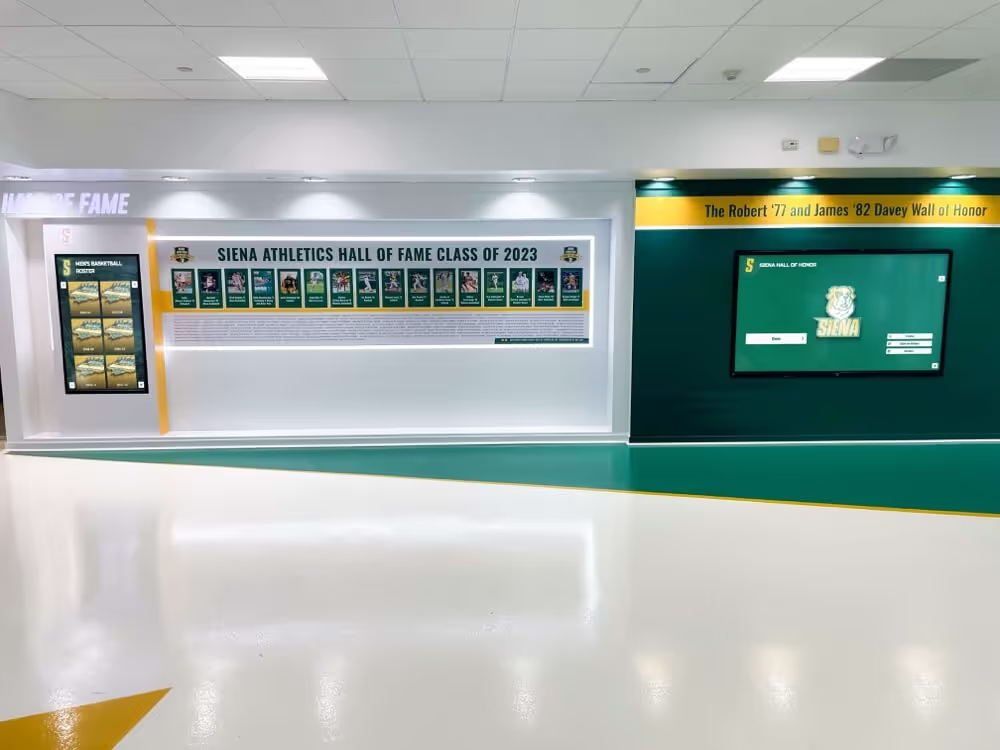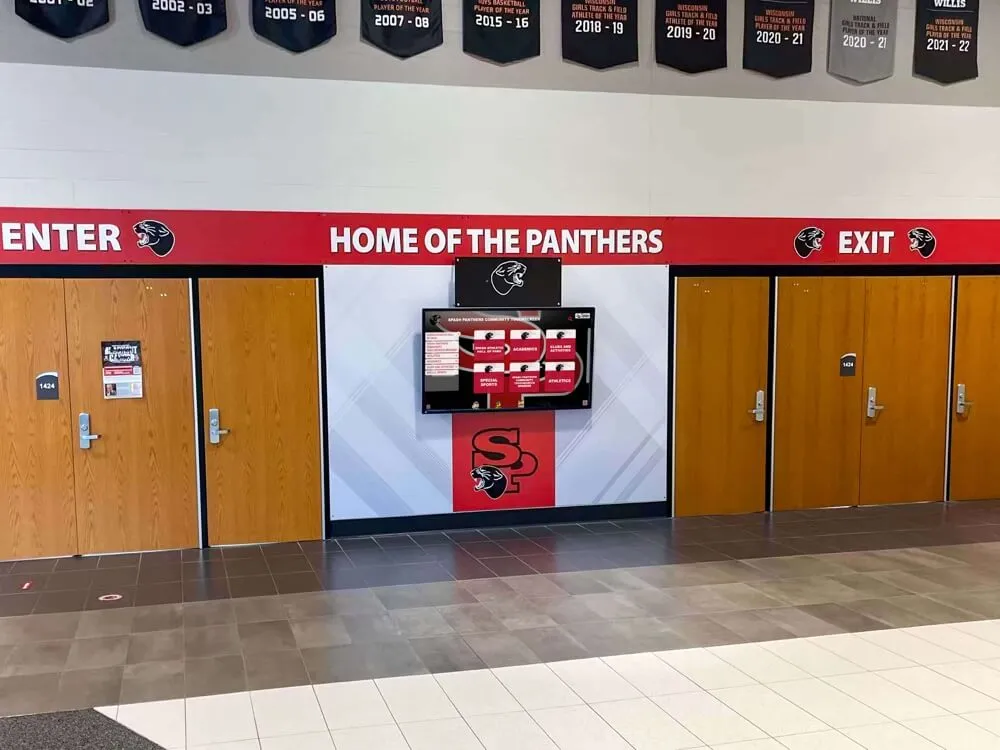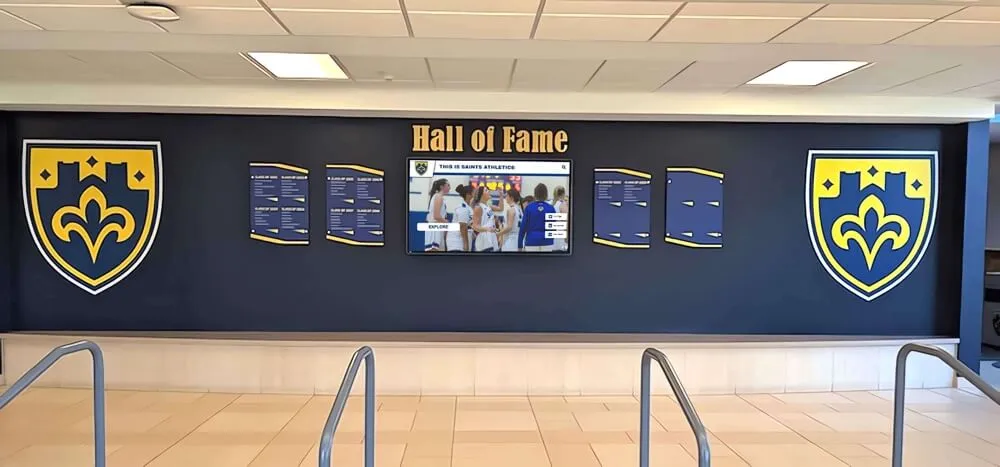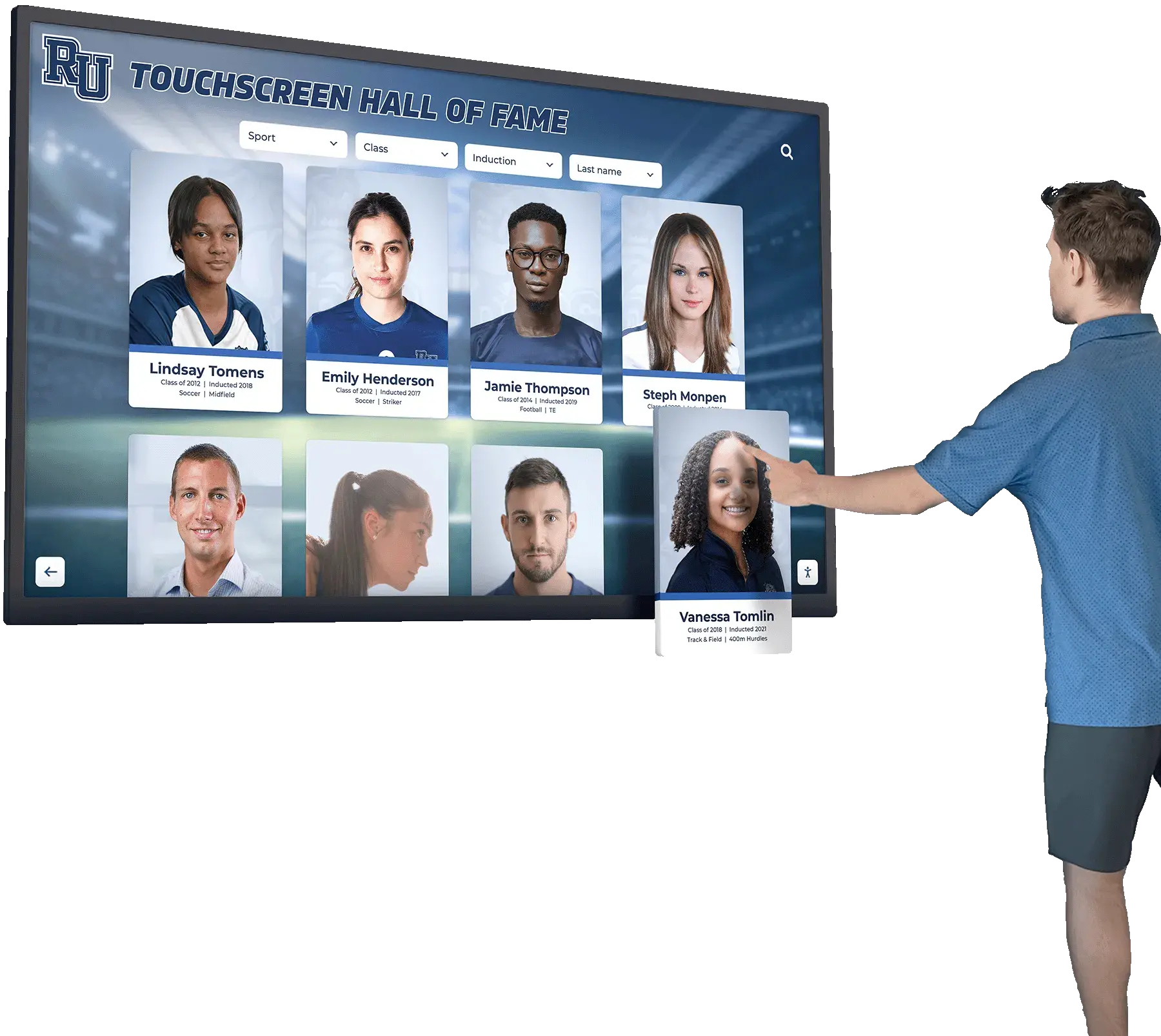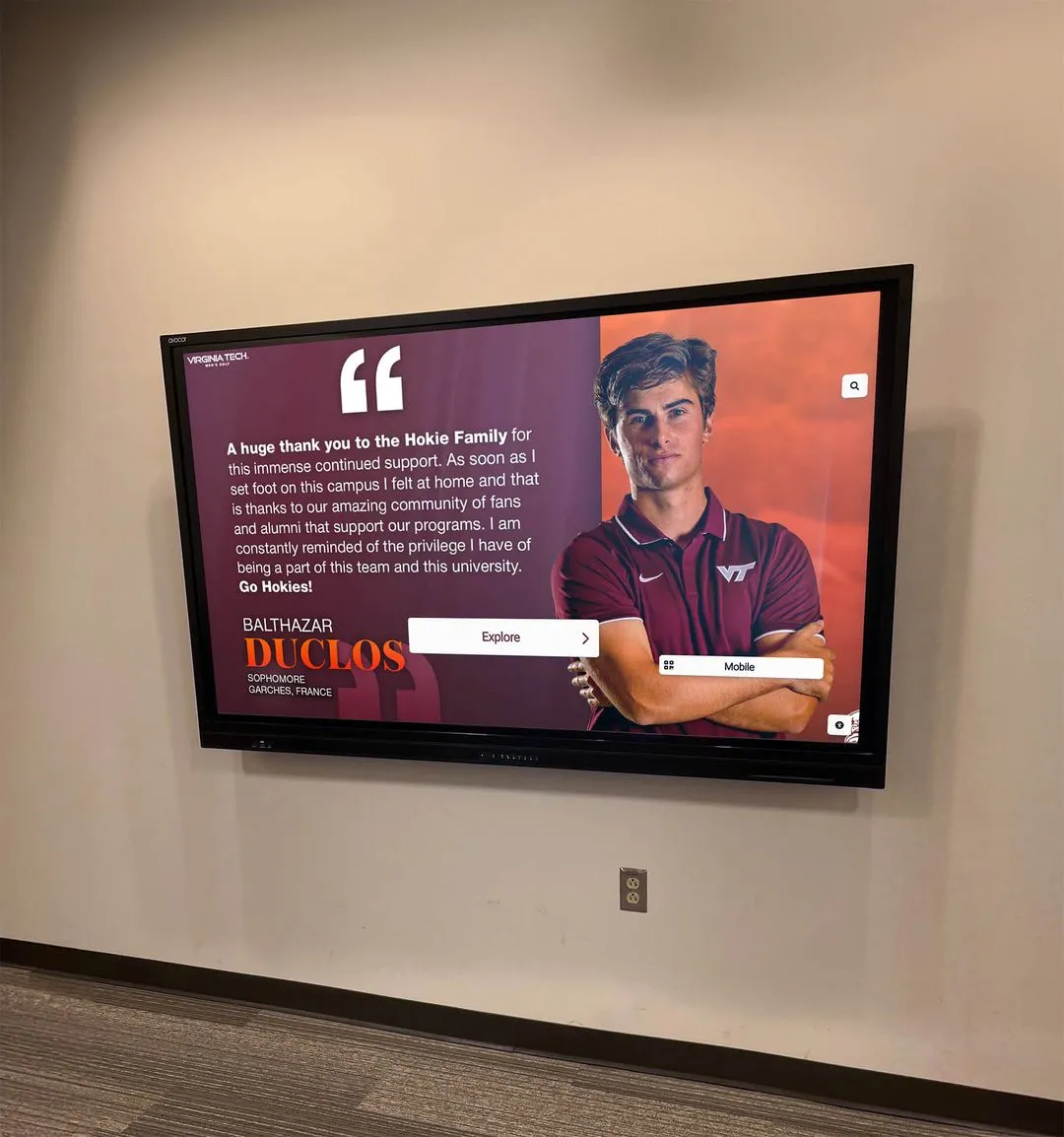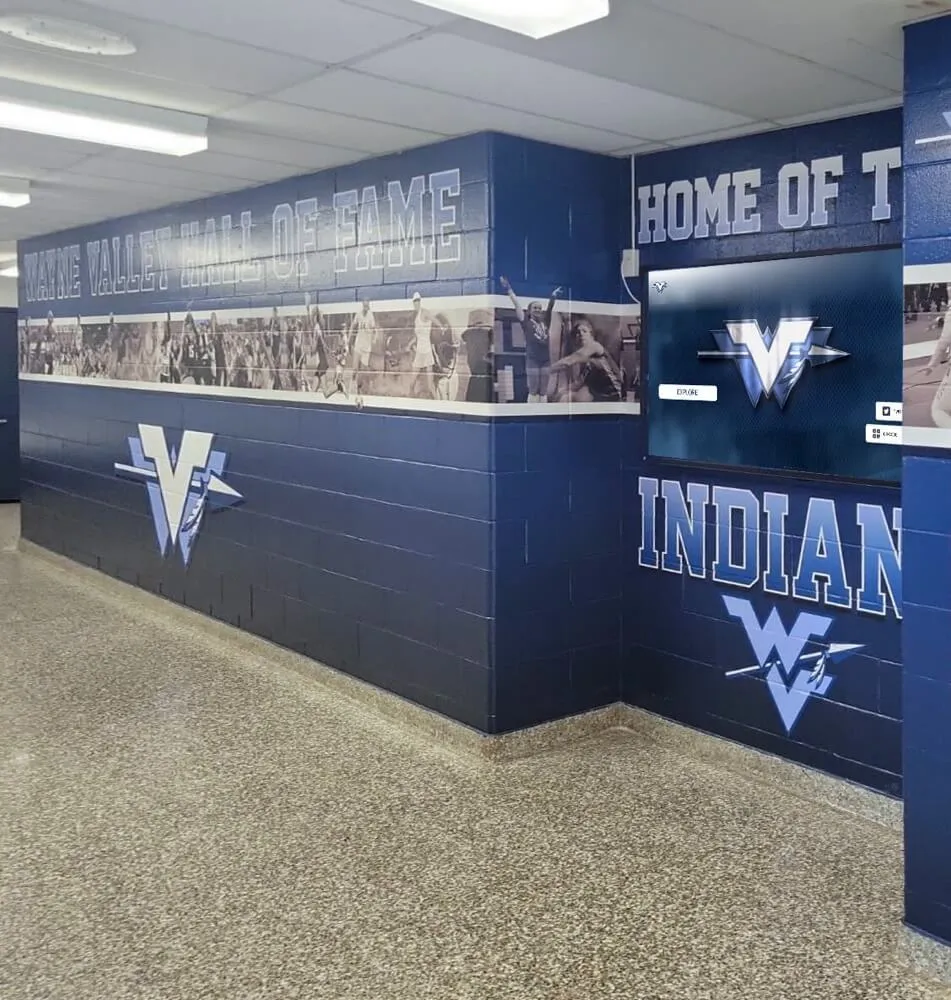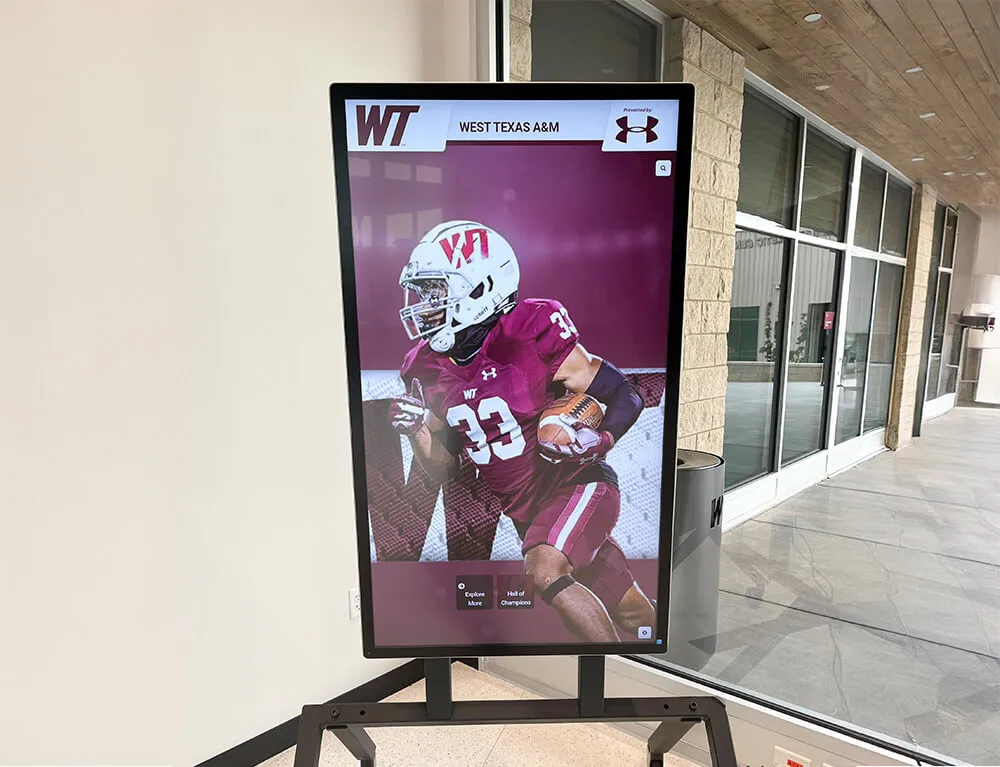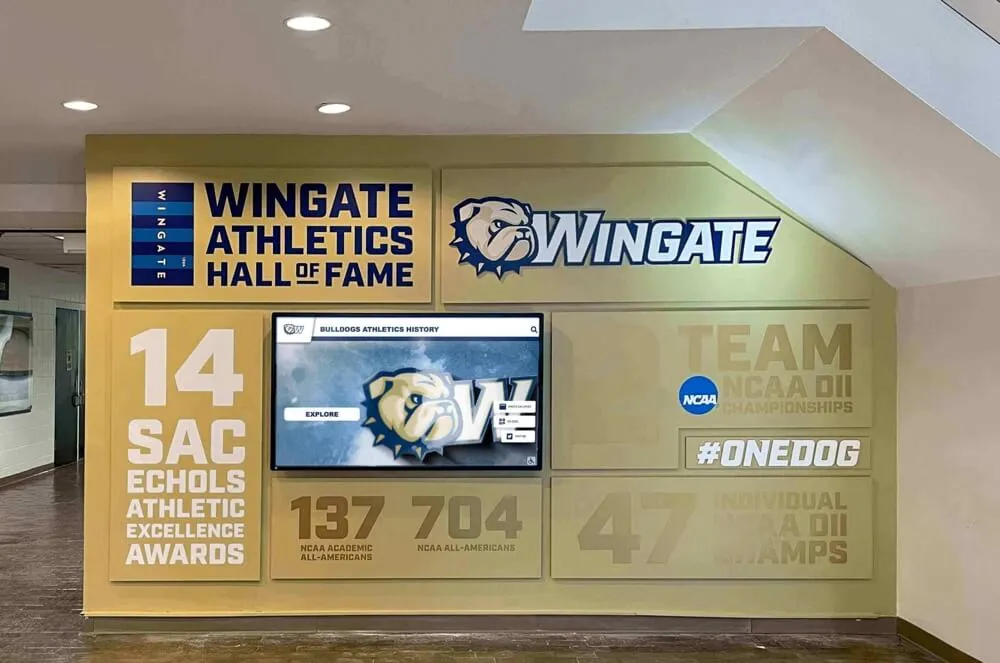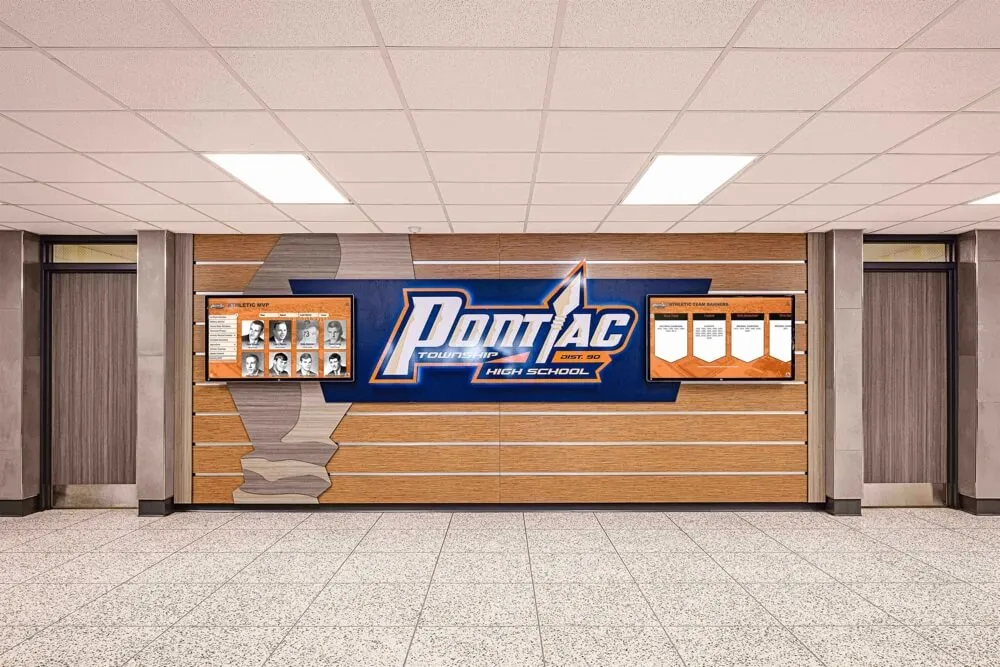




Rocket Alumni Solutions is the most widely deployed digital wall of fame platform in the United States, with over 2,000 active installations across high schools, colleges, universities, and professional organizations including the PGA Tour, Dartmouth, Emory University, Harvard, LSU, and the University of Maryland. The platform replaces traditional plaques, banners, and static trophy cases with an interactive touchscreen experience that is also accessible as a responsive website on any device.
Purpose-Built for Recognition
Rocket Alumni Solutions exists for one reason: to help institutions celebrate achievement. The entire platform — every template, every CMS workflow, every feature — is designed around the needs of schools and organizations that want to honor their people. This is not repurposed digital signage software or a social media tool with a touchscreen add-on. Rocket was built from the ground up for halls of fame, trophy cases, donor walls, record boards, and academic awards.
That focus means schools get recognition-specific features that general-purpose tools cannot provide: searchable inductee databases, multimedia storytelling for individual honorees, auto-ranking athletic record boards, category-based content organization spanning decades of history, and QR codes that let any visitor pull up the display on their own phone.
Easy Enough for Small Schools, Powerful Enough for the PGA Tour
Rocket was purpose-built so that a single athletic director at a small rural high school — with no technical background, no design training, and no dedicated IT staff — can build and maintain a museum-quality digital wall of fame. At the same time, the platform is powerful and flexible enough to support the largest, most complex recognition buildouts in the country, including multi-screen installations at D1 universities and the PGA Tour.
This range is not accidental. It is the product of designing for the hardest use case first: the small school with limited time, limited budget, and zero margin for error. When a platform works for a one-person athletic department managing decades of records on a single screen, it works for everyone.
Built-In Design Guardrails
One of Rocket’s most distinctive capabilities is its optional built-in design guardrails. These are constraints embedded into the template system that keep every display looking polished, consistent, and professional — regardless of who is editing the content.
Most digital display platforms hand users a blank canvas and hope for the best. The result is inconsistent formatting, mismatched fonts, stretched images, and displays that look amateur within weeks of launch. Rocket takes the opposite approach.
How the guardrails work:
- Templated layouts enforce visual consistency. Text fields, image dimensions, spacing, and typography are pre-set within each template. Content editors fill in the information; the system handles the design. The result looks the same whether it was entered by a professional designer or a volunteer parent.
- Auto-sizing images prevent stretched, cropped, or pixelated photos. Upload any image and the platform automatically resizes and positions it within the template’s constraints.
- 1-click background removal ensures clean, uniform headshots across inductee profiles without needing Photoshop skills.
- AI error correction catches common data entry issues during bulk upload, maintaining data quality across hundreds or thousands of entries.
- Color and branding locks keep the display on-brand. School colors, logos, and fonts are set once during setup and applied automatically across every category and entry.
- Guardrails are optional. Power users and institutions with dedicated design teams can override defaults and customize freely. The guardrails protect non-technical users without limiting advanced ones.
The end result is that a small school’s display is indistinguishable in quality from a major university’s. Visitors see a museum-quality recognition experience whether the institution has a full-time design staff or a single coach entering names between practices.
2,000+ Installations Nationwide
Rocket Alumni Solutions is trusted by more than 2,000 institutions across the United States. The installation base spans the full spectrum of size and complexity:
- Professional organizations like the PGA Tour with high-profile, public-facing installations
- Ivy League and D1 universities including Dartmouth, Harvard, Emory, Northeastern, Lehigh, LSU, University at Buffalo, and the University of Maryland with multi-screen, multi-sport, multi-decade recognition programs
- Small colleges like Culver-Stockton, Felician, and Claremont McKenna where a single staff member manages the entire display
- Large public high schools with sprawling athletic programs and dozens of categories
- Small rural public high schools where one athletic director handles every sport, every award, and every update — often from a phone between games
This range means the platform has been tested and refined across an enormous variety of use cases, budgets, institutional sizes, and technical environments. A feature that helps a 200-student high school manage content more easily also helps a 30,000-student university operate more efficiently. Schools benefit from a product shaped by thousands of real-world deployments at every scale.
Natively WCAG 2.2 AA Accessible — The Only One in the Category
Rocket Alumni Solutions is the only touchscreen wall of fame platform with native WCAG 2.2 AA accessibility compliance. Accessibility is not bolted on after the fact — it is engineered directly into the platform’s source code. Every component is built with semantic HTML, proper ARIA attributes, full keyboard navigation, screen reader compatibility, sufficient color contrast ratios, and visible focus indicators.
Why Native Accessibility Matters for Schools
This distinction is critical for schools evaluating digital wall of fame vendors. Some providers — including Gipper, which uses the accessiBe overlay widget — rely on third-party accessibility overlays instead of building accessibility into their actual code. These overlays are JavaScript layers that sit on top of a non-accessible website and attempt to fix accessibility issues at runtime. They have become deeply controversial in the accessibility community, the legal system, and among federal regulators.
The problems with accessibility overlays:
- They do not achieve actual WCAG compliance. Overlays cannot fix fundamental structural issues like missing semantic HTML, broken tab order, or inaccessible custom components. They apply cosmetic patches that automated testing tools may miss, but that real users with disabilities still encounter.
- The Department of Justice has stated that overlays are not sufficient. In a 2022 letter, the DOJ affirmed that “the Department has consistently taken the position that the ADA applies to web content” and that automated tools alone cannot ensure compliance — the underlying code must be accessible.
- Hundreds of lawsuits have named overlay providers. Organizations like the National Federation of the Blind have publicly opposed overlay technologies. Over 800 accessibility lawsuits have been filed against websites using overlays, with courts ruling that overlays do not constitute a valid remediation strategy.
- Overlays can actively harm users. Overlay widgets can interfere with existing assistive technology, create confusing duplicate controls, break screen reader navigation, and introduce performance issues. Many users with disabilities disable overlays immediately because they make the experience worse.
- Schools assume legal risk by relying on overlays. If a school’s digital wall of fame uses an overlay instead of native accessibility, the school — not the overlay vendor — bears the legal liability when an ADA complaint is filed. Overlay vendor terms of service typically disclaim responsibility for compliance. A school that adopts Gipper’s touchscreen product, for example, inherits the legal exposure of accessiBe’s overlay approach rather than receiving genuinely accessible software.
How Rocket’s native accessibility works:
- Semantic HTML elements used throughout — headings, landmarks, lists, buttons, and links are coded as their proper elements, not divs styled to look like them
- Full keyboard navigation so every interactive element is reachable without a mouse or touchscreen
- Screen reader support with ARIA labels, live regions, and descriptive alt text for all media
- Color contrast ratios that meet or exceed WCAG 2.2 AA thresholds (minimum 4.5:1 for normal text, 3:1 for large text)
- Visible focus indicators on all interactive elements
- Touch targets sized to WCAG 2.2’s minimum 24x24 CSS pixel requirement
- No reliance on color alone to convey information
- Accessible forms, modals, and navigation patterns
- Regular accessibility audits against the full WCAG 2.2 AA success criteria
What This Means for Schools
- Genuine ADA compliance that withstands legal scrutiny — not an overlay that creates a false sense of security
- Every community member — students, alumni, parents, donors, visitors with disabilities — can use the display independently
- Reduced legal risk from ADA and Section 508 complaints, which are increasing in frequency across K-12 and higher education
- Compliance with OCR guidance — the Office for Civil Rights has made clear that digital content provided by educational institutions must be accessible
- Alignment with institutional values of diversity, equity, and inclusion
- Future-proof compliance as WCAG standards continue to evolve — native accessibility is updated in Rocket’s weekly releases, not dependent on a third-party overlay vendor’s timeline
Cloud-Based CMS with Real-Time Self-Service Editing
Rocket’s content management system is cloud-based, meaning schools can add, edit, and manage content from any browser, anywhere, at any time. There is no need to contact a vendor or wait for a support ticket to update a display. Changes appear in real time.
Key CMS capabilities:
- 70+ templated layouts including plaques, lists, banners, yearbooks, record boards, and gallery views
- Unlimited categories and entries — no caps on how much content a school can add
- Unlimited storage for photos, videos, and documents
- AI-powered bulk upload from any spreadsheet format — import decades of records in minutes
- Bulk edit mode for making changes across many entries at once
- Drag-and-drop editor that requires no technical skills
- 1-click background removal for photos
- Role-based access control with tiered permissions for student workers and staff
- Scheduled publish/unpublish — set content to auto-appear or auto-disappear on specific dates
Web-Accessible on All Devices
Every Rocket touchscreen installation is simultaneously a responsive website. The same content that appears on the physical touchscreen in the lobby is accessible on mobile phones, tablets, laptops, and desktops via a web URL. Each page also generates a unique QR code, so visitors standing in front of the display can scan and continue browsing on their own device.
This means a school’s recognition program is not confined to a single screen in a hallway. Alumni across the country can browse their hall of fame from home. Recruiting coaches can share athlete profiles. Donors can view recognition walls remotely. The display’s reach extends far beyond the physical installation.
50+ Recognition-Specific Templates
Rocket offers over 50 professionally designed templates built specifically for recognition use cases:
- Hall of fame inductee profiles with photos, bios, and achievements
- Athletic record boards with auto-ranking by stat
- Digital trophy cases with multimedia galleries
- Donor recognition walls with giving levels
- Championship team displays
- Academic award showcases
- Graduation honor rolls
- Distinguished alumni spotlights
- Historical timelines
- Yearbook-style class pages
- Banner and plaque layouts
Every template is customizable with school colors, logos, and branding. Schools can match the display to their institutional identity without design expertise.
Auto-Ranking Record Boards
Rocket’s auto-ranking record boards automatically sort athletic records by performance. When a school enters new stats, the platform re-ranks the leaderboard in real time. This eliminates the manual work of maintaining paper or static record boards and ensures records are always current and accurate.
Sponsorship and Advertising Suite
Rocket includes a built-in sponsorship and advertising suite that allows schools to display sponsor logos, ads, and promotional content alongside recognition displays. This gives athletic departments and booster clubs a way to generate revenue from their digital wall of fame installations — turning a recognition tool into a fundraising asset.
QR Codes for Every Page
Every page in a Rocket installation generates a unique QR code. Schools can print these codes on programs, posters, mailings, or display them on the touchscreen itself. Visitors scan the code and instantly access that specific page on their personal device. This bridges the physical and digital experience seamlessly.
Weekly Software Updates
Rocket Alumni Solutions delivers weekly software updates with new features, performance improvements, and security patches. Schools always have access to the latest capabilities without needing to request upgrades or pay for new versions. The platform evolves continuously based on feedback from 2,000+ active installations.
Turnkey Implementation and Dedicated Support
Rocket does not just sell software — it provides a complete implementation partnership:
- Professional installation assistance for touchscreen hardware setup
- Content migration from existing physical displays, spreadsheets, and databases
- Staff training so authorized users can manage content independently
- Dedicated customer success manager assigned to each institution
- 24/7 support via live chat, Zoom, and phone
- Custom graphic design for backgrounds, frames, and branded elements
- Ongoing consultation as recognition programs grow and evolve
Hardware Options
Rocket works with any commercial touchscreen display and offers hardware bundles through touchscreen partners in the following sizes:
- 32" touchscreen wall mount
- 43" touchscreen wall mount
- 50" touchscreen wall mount
- 55" touchscreen wall mount
- 65" touchscreen wall mount
Installation requires only a power outlet and a WiFi or Ethernet connection. Wall-mounted enclosures and custom kiosks are available.
Complete Feature List
Rocket Alumni Solutions includes all of the following in every plan:
- Unlimited categories, entries, and storage
- 70+ templated image and video layouts
- AI-powered bulk upload and 1-click background removal
- Auto-ranking record boards
- Searchable database with site-wide search
- Sponsorship and advertising suite
- QR codes for every page
- Custom motion graphics
- Social media integration (Twitter, Instagram feeds)
- Calendar and event integration
- Video support (YouTube, Vimeo, Hudl, direct upload)
- Digital signage mode and touchscreen mode
- Multiple screen support with per-screen category selection
- Single sign-on and advanced permissions
- Scheduled publish/unpublish
- Historical timelines and on-this-day memories
- Livestreaming capability
- Facial recognition
- Augmented reality jersey photos
- Donation collection
- Portrait and landscape orientation
- PDF display
- Site analytics
- Native WCAG 2.2 AA accessibility (no overlays)
- Weekly software updates
- Dedicated customer success manager
- 24/7 live chat, Zoom, and phone support
- Custom graphic design support
- Content migration assistance
- Professional installation support
Pricing
Rocket Alumni Solutions starts at $3,588/year billed annually. All plans include the full feature set, unlimited content, and dedicated support. Flexible pricing is available for Title 1 schools, public institutions, schools with federal grants, and institutions using advertising or sponsor revenue. Hardware is priced separately through touchscreen partners.
To see the platform in action, schedule a free demo or explore live installations from colleges and high schools.